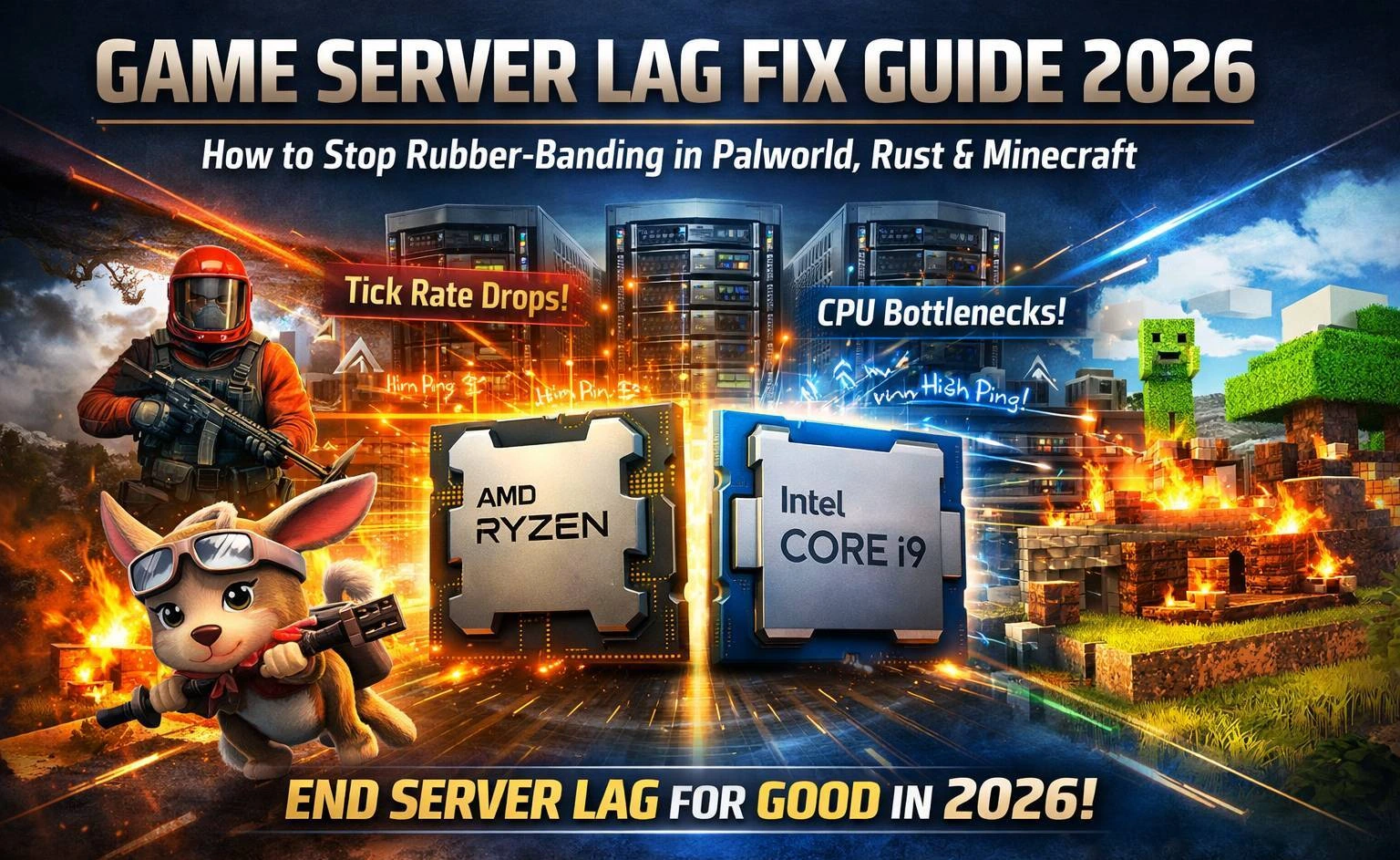
Lag kills immersion. One moment you're executing a flawless base raid in Rust, the next, your character is rubber-banding across the map. In Palworld, your tamed pals freeze mid-action while enemies close in for the kill. And for Minecraft server hosts, watching chunks load at a crawl completely destroys player retention.
Frustrated players blame "lag" for everything, but when you're the one running the dedicated server, the fix usually comes down to a single root cause: your underlying hardware. At KW Servers, we've provisioned over 10,000 dedicated game servers worldwide, and we've seen exactly what separates a buttery-smooth 100-player Rust session from a desync nightmare.
This 2026 guide covers everything a game server host needs to know: why server-side lag happens, why high single-core clock speed beats raw core count every time, and how upgrading to bare-metal dedicated server hosting eliminates lag for good.
What Actually Causes Game Server Lag in 2026?
Before you can fix lag, you need to understand what's generating it. Modern multiplayer games stress server hardware in very specific ways. There are three primary lag sources:
-
Network latency (ping): The raw round-trip time between the player's client and your server. Minimized by choosing a data center geographically close to your player base.
-
Tick rate drops: The server's game loop slows below its target tick rate (e.g., 20 - 64 ticks/sec), causing world updates to arrive late on clients, the classic cause of rubber-banding and desync.
-
CPU bottlenecks: The server's main game thread maxes out, starving the engine of processing time and causing cascading lag even on a perfect network.
While client-side internet speed matters, poor server hardware turns minor hiccups into game-breaking, server-wide lag spikes that drive players away permanently.
Game-Specific Server Performance Bottlenecks
Every major engine has its own server-side weak point. Here's how 2026's most popular survival and sandbox games stress your dedicated server CPU:
Palworld Dedicated Server Lag
Palworld runs on Unreal Engine and is uniquely demanding on single-threaded performance. The server must simultaneously process AI pathfinding and combat logic for dozens of active Pals, simulate dynamic base-building physics, manage a large open-world environment with persistent state, and handle real-time player interactions and inventory syncing.
The result: Palworld dedicated server lag almost always traces back to a single-core CPU bottleneck on the main game thread. More cores don't help if each core is too slow.
Rust Dedicated Server Lag
Rust (Unity Engine) is one of the most CPU-intensive multiplayer games available. Servers hosting 100+ players must handle real-time raiding physics, complex procedural building destruction, entity syncing for every player and item on the map, and AI behavior for NPCs and animals.
The result: Rust server rubber-banding and desync are almost always caused by tick rate drops under load, a direct symptom of a slow main game thread.
Minecraft Dedicated Server Lag (Modded, Paper, Spigot, Purpur)
Vanilla Minecraft is manageable, but the moment you introduce heavy modpacks (Forge, Fabric), complex redstone contraptions, large player counts, or performance-focused server software like Paper or Purpur, the main thread becomes the critical bottleneck. The Java-based game loop handles chunk generation, entity tracking, plugin logic, and world simulation all on a single primary thread.
The result: TPS (ticks per second) drops below 20, causing item lag, delayed block placement, and entity rubber-banding.
The Biggest Myth in Game Server Hosting: More Cores vs. Higher GHz
Here's the misconception that costs server owners the most money and performance: assuming that a high-core-count server CPU automatically means better game performance.
Game engines, including Unreal Engine, Unity, and Java, rely heavily on single-threaded execution for their core game loop. World simulation, AI behavior trees, physics calculations, and player state syncing all run sequentially on the main thread. While additional cores handle background processes (networking, disk I/O, secondary threads), no amount of extra cores can compensate for a slow clock speed on the primary game thread.
Why Intel Xeon CPUs Underperform for Game Hosting
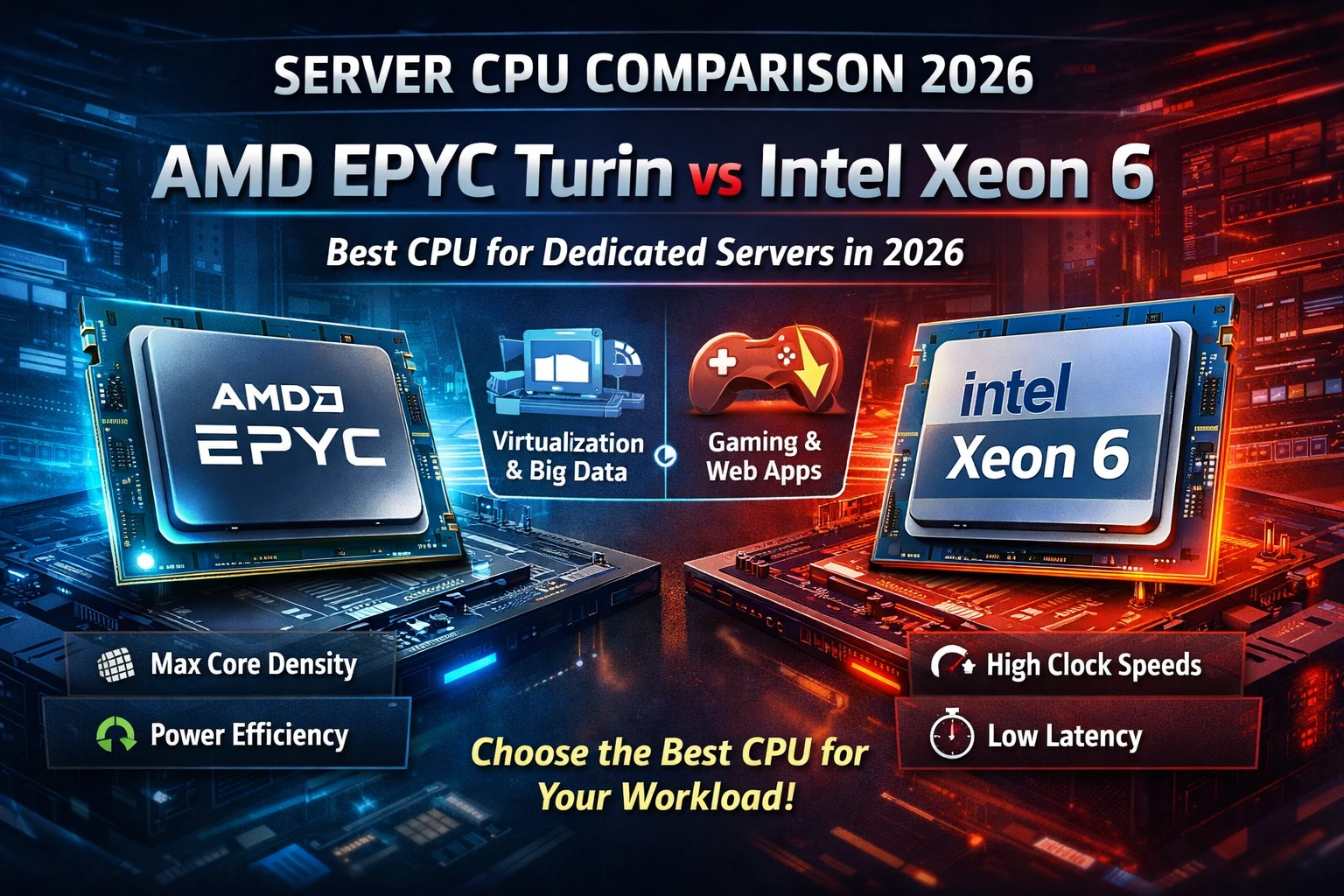
Intel Xeon processors are enterprise workhorses optimized for multi-threaded stability, high memory bandwidth, and power efficiency in data center environments. They are purpose-built for databases, virtualization (VMs), and web hosting workloads, tasks that scale well across many cores.
For dedicated game server hosting, Xeons are the wrong tool. Their base clocks typically sit between 3.0 - 4.0 GHz, and their architectures prioritize consistent multi-core throughput over the burst single-core performance that game engines demand. The practical result: frequent tick rate drops, rubber-banding, and AI lag even on expensive high-core-count Xeon configurations.
Why High-GHz Consumer CPUs Win for Game Servers
Modern AMD Ryzen 9 and Intel Core i9 processors are engineered for exactly the kind of workload game engines generate: high-frequency, low-latency, burst single-core performance. With boost clocks reaching 5.5 - 6.0+ GHz on recent generations, these CPUs execute game loop instructions significantly faster than any Xeon at the same price point.
Our clients consistently report a 20 - 40% improvement in game server performance benchmarks after migrating from Xeon-based hosting to high-GHz Ryzen 9 or i9 dedicated servers. The difference is immediately noticeable: tick rates stabilize, rubber-banding disappears, and servers handle player-count peaks without degradation.
Dedicated Game Server CPU Comparison: High-GHz vs. Xeon
| Feature | AMD Ryzen 9 | Intel Core i9 | Intel Xeon |
|---|---|---|---|
| Base / Boost Clock | 3.5 / 5.7+ GHz | 3.6 / 6.0+ GHz | 2.5 – 4.0 GHz |
| Single-Core Score | Excellent | Excellent | Average |
| Game Server Perf. | 20–40% faster | Fastest (burst) | Bottlenecks under load |
| Best Use Case | Minecraft, Palworld | Rust, high tick games | Databases, VMs |
| Price / Performance | Outstanding | Premium | Poor for gaming |
| Lag Risk | Very Low | Very Low | High under load |
Bare-Metal Dedicated Servers vs. VPS: Why It Matters for Game Hosting
Beyond CPU architecture, the type of server infrastructure you choose has a massive impact on game performance. The key distinction is between bare-metal dedicated servers and virtual private servers (VPS) or shared cloud hosting.
A VPS shares physical hardware resources with other virtual machines. Even if your VPS plan allocates 8 cores and 32 GB of RAM, you're competing for CPU cycles and memory bandwidth with dozens of other tenants on the same physical host. This creates unpredictable latency spikes, the "noisy neighbor" problem that is invisible in benchmarks but catastrophic during peak gameplay.
Bare-metal dedicated server hosting gives you exclusive access to 100% of the physical hardware. No hypervisor overhead. No shared CPU cycles. No memory contention. For lag-sensitive games like Rust, Palworld, and heavily modded Minecraft, bare-metal is the only hosting infrastructure that delivers consistent, predictable performance at scale.
KW Servers: Bare-Metal Game Server Hosting Built for Zero Lag
KW Servers specializes exclusively in bare-metal dedicated servers optimized for gaming workloads. Every configuration is purpose-built to eliminate the hardware bottlenecks that cause server-side lag.
AMD Ryzen 9 Dedicated Game Servers
Our Ryzen 9 server lineup features processors including the Ryzen 9 9950X and next-generation variants with 16+ cores and exceptional single-core turbo performance. AMD's Zen architecture delivers outstanding gaming workload efficiency and a superior price-to-performance ratio compared to Xeon alternatives.
Ideal for: Heavy Minecraft modpacks (Forge/Fabric), large-scale Palworld persistent worlds, Rust servers up to 100+ players, and any game requiring consistent main-thread performance.
Intel Core i9 Dedicated Game Servers
For maximum burst single-core performance, our Intel i9 server configurations deliver the highest raw clock speeds available, with turbo boost reaching 5.5–6.0+ GHz on current-generation processors. These are purpose-built for the most CPU-intensive game workloads.
Ideal for: High-tick-rate Rust servers, Palworld servers with maximum Pal counts, competitive game environments where every millisecond of tick rate consistency matters.
Global Infrastructure & Enterprise-Grade Specs
When you deploy a KW Server, you get more than just the best CPU for game hosting. Every plan includes:
-
Global Low-Latency Network: Data centers across 6 continents, North America, Europe, Asia, Australia, South America, and Africa. Host within geographic proximity to your players and guarantee sub-50ms ping for the majority of your community.
-
Premium Network Peering: 99.99% network uptime backed by 1,000+ peering relationships, including Cogent, NTT, GTT, Lumen, and Telia. Your server stays online even during regional network events.
-
DDoS Protection up to 250Gbps: 2026 brings larger and more sophisticated attack vectors. Our built-in DDoS mitigation actively filters malicious traffic before it reaches your server, keeping your community online during attacks.
-
NVMe SSD Storage: Fast storage eliminates disk I/O as a bottleneck for chunk generation, map saves, and plugin data.
-
Scalable RAM & Bandwidth: Configure memory and bandwidth to match your game and player count. Unlimited and high-bandwidth options available.
-
100% Uptime Guarantee & 24/7 Expert Support: Our team understands game server infrastructure, not just generic server support.
-
Rapid Deployment: Most configurations deploy within 24–48 hours. Get your server online fast.
-
Flexible Pricing: Plans start from $30/month in Asia and Africa regions, scaling to premium custom Ryzen 9 and i9 configurations for large gaming communities.
Game Server Optimization Tips: Reduce Lag Beyond Hardware
The right hardware eliminates the root cause of server lag, but smart server configuration maximizes your performance ceiling. Apply these optimizations alongside your hardware upgrade:
-
Optimize Server Software First: Never run default vanilla builds when optimized alternatives exist. For Minecraft, replace vanilla with Paper, Purpur, or Pufferfish. These forks include hundreds of performance patches targeting the main-thread bottleneck. For Rust, run uMod/Oxide with performance-focused plugins. For Palworld, always use official dedicated server builds and apply recommended configuration patches.
-
Choose the Nearest Data Center to Your Players: Network latency compounds server-side tick rate issues. Even a 50ms improvement in geographic proximity dramatically improves the player experience. Use KW Servers' 6-continent footprint to place your server closest to your primary player base.
-
Monitor Single-Core CPU Usage: Install server monitoring tools and watch your main thread CPU usage, not total CPU usage. A server that shows 30% total CPU utilization might have its main game thread pegged at 100%, the classic hidden bottleneck. A high-GHz CPU gives you headroom before reaching this ceiling.
-
Tune Your Server Configuration: Minecraft: Reduce view-distance (10 is a common sweet spot), enable network compression, configure entity activation ranges, and implement mob limits via Paper/Purpur configs. Rust: Adjust server.tickrate, configure entity count limits, and optimize map size for your player count. Palworld: Tune MaxPlayers, pal density settings, and base complexity limits relative to your CPU tier.
-
Implement DDoS Protection at the Network Level: Network-induced lag from DDoS attacks and traffic floods mimics hardware lag and is just as game-breaking. KW Servers' built-in 250Gbps DDoS mitigation eliminates this vector entirely.
Frequently Asked Questions
What is the best CPU for a dedicated game server in 2026?
For dedicated game server hosting in 2026, AMD Ryzen 9 and Intel Core i9 processors are the top choices. Their high single-core boost clock speeds (5.0–6.0+ GHz) directly address the main-thread bottleneck in game engines like Unreal Engine, Unity, and Java. Intel Xeon CPUs, while reliable for enterprise workloads, underperform for gaming due to lower per-core clock speeds.
Why is my Palworld dedicated server laggy?
Palworld server lag is almost always caused by a single-core CPU bottleneck. The Unreal Engine game loop processes AI, physics, and world state on a primary thread. If your hosting CPU has slow single-core performance (common with Xeon-based shared hosting or VPS), the main thread maxes out under load, causing lag, freezing Pals, and delayed AI responses. The fix is a bare-metal dedicated server with a high-GHz processor.
How do I fix rubber-banding on my Rust server?
Rust server rubber-banding is caused by tick rate drops — the server's game loop falling behind its target update rate. This happens when the main game thread is CPU-bottlenecked. Solutions include upgrading to a bare-metal dedicated server with a Ryzen 9 or i9 CPU, switching from a VPS to a true dedicated server, optimizing your Rust server configuration, and ensuring your server is located geographically close to your players.
What's the difference between a VPS and a bare-metal dedicated server for game hosting?
A VPS shares physical hardware with other virtual machines, creating unpredictable CPU contention and latency spikes. A bare-metal dedicated server gives you exclusive access to all physical resources — no shared cycles, no hypervisor overhead. For lag-sensitive games, bare-metal is significantly more reliable and performs better under high player load.
How many players can a dedicated Rust server handle?
A dedicated Rust server on a high-GHz bare-metal CPU (Ryzen 9 or i9) can comfortably handle 50–150+ players depending on the map size, plugin load, and server configuration. Xeon-based or VPS hosting typically struggles beyond 50 players due to main-thread bottlenecks.
End Server Lag for Good: Deploy a KW Servers Game Dedicated Server
Don't let hardware limitations cost you players. The real fix for Palworld, Rust, and Minecraft lag isn't more cores it's higher single-core GHz on bare-metal hardware your game engine can actually use.
KW Servers delivers exactly that: AMD Ryzen 9 and Intel i9 bare-metal dedicated servers, global low-latency data centers across 6 continents, enterprise DDoS protection up to 250Gbps, and 24/7 game server expertise.
Visit KW Servers Gaming Dedicated Servers to explore plans and deploy today.